
Last updated October 30, 2026
 Wrought iron
 Wood & steel frame
 Farm & ranch
 Sliding driveway gates
 LiftMaster operators
Free on-site gate assessment - hinges, posts, and your LiftMaster or Nice gate operator checked before anything is quoted
The assessment is free and the quote is the invoice.
Get your free estimateGate Repair Troubleshooting: Common Problems and How to Fix Them
Most troubleshooting guides hand you a generic symptom list. They say “gate won’t open” and then dump ten possible causes on you, which is about as useful as a mechanic telling you “something’s wrong with your car.” What actually separates a quick fix from a week of frustration is reading what the gate is telling you. A gate that reverses halfway open is not the same problem as a gate that won’t open at all, but most guides treat them as identical. The direction and timing of the failure is the diagnostic. In this guide, we’ll walk you through how professional gate technicians in Corona approach a malfunctioning gate: starting with the failure mode, not the parts catalog, and working backward to the exact component that’s causing trouble. For hands-on help, see our Gate Repair services.
Styles & brands we work with
Quick Answer
Gate repair troubleshooting starts with identifying exactly when and how the gate fails. A gate that won’t move at all points to power, a gate that starts and stops points to sensors or mechanical resistance, and a gate that reverses midway usually indicates obstruction detection or travel limits. Reading the operator’s LED fault codes and performing a simple open-close timing test will narrow the problem to power, logic board, motor, or hardware before you touch a single tool.
Table of Contents
- How to Read LED Fault Codes on Your Gate Operator
- The Open-Close-Timing Test: Isolating Power, Logic Board, Motor, or Hardware
- Photo Eye Misalignment vs. Obstruction vs. Failure: Sorting Them Out in 60 Seconds
- Intermittent Failures: Thermal, RF Interference, and Corrosion
- Six Mechanical Inspections Before Any Electrical Diagnosis
- Brand-Specific Quirks: LiftMaster, FAAC, BFT, and Linear
- Why Corona’s Climate Makes Some Gate Problems More Likely
- Common Mistakes to Avoid
- When to Call a Professional
- Frequently Asked Questions
- The Bottom Line
How to Read LED Fault Codes on Your Gate Operator
Before you check anything physical, check the operator’s brain. Most automatic gate operators have a small LED light on the control board that blinks in specific patterns when something’s wrong. The pattern is a code, and the code is the fastest route to the actual problem. LiftMaster operators, for example, use a diagnostic LED that flashes a certain number of times to indicate specific faults: a single flash often means a wiring issue, while repeated patterns point to sensor interruptions or motor overloads. Mighty Mule operators have their own sequence, typically shown as a series of beeps or LED pulses that correspond to a chart in the manual. US Automatic boards use a similar approach with a blinking red light.
Here’s the smart way to use these codes:
- Count the flashes carefully. Wait for the full pattern to repeat. Many boards cycle the same code three times before pausing.
- Match the code to the manual’s fault table. Every brand published a chart, and the charts are surprisingly specific. “Four flashes” doesn’t just mean “sensor” – it often means “photo eye obstruction detected for more than 10 seconds.”
- Don’t clear the code without writing it down. The code is the evidence. Clearing it erases your diagnostic.
- Use the code to direct the physical inspection. The LED is telling you where to look, not replacing the inspection. A “motor overload” code still needs you to find out why the motor is overloaded.
One thing we see regularly in Corona: homeowners who disconnect the power to “reset” a blinking light, then call us when the gate still doesn’t work. The reset clears the symptom, not the cause. The code was the map. Without it, you’re back to guessing.
If your operator has no diagnostic LED at all, or the board is old enough that the codes are unreadable, the timing test in the next section becomes your primary diagnostic. And remember: the Windsor Gate Repair home guide covers broader gate system basics if you’re brand new to automatic gate components.
The Open-Close-Timing Test: Isolating Power, Logic Board, Motor, or Hardware
When the gate fails matters more than the fact that it failed. The timing test is a methodical way to map the failure to a specific subsystem. Run through this sequence and the answer usually reveals itself.
- Gate won’t respond at all, no click, no hum. Check the power supply first: breaker, GFCI outlet, and the operator’s power switch. If those are fine, test the battery backup if one exists. No response with confirmed power typically points to the logic board or a blown fuse on the board.
- Gate hums but doesn’t move. The motor is getting power but can’t turn the drivetrain. On a sliding gate, check the drive chain or belt for binding. On a swing gate, check the arm or piston for mechanical resistance. A hum that ends in a thermal overload click is almost always mechanical resistance, not a bad motor.
- Gate starts moving, then stops suddenly mid-cycle. This is usually an obstruction detection sensor triggering, or the travel limits are set incorrectly. If it stops at the same spot every time, suspect the limit settings. If it stops at random spots, suspect the photo eyes or a loose wire.
- Gate opens fully but won’t close. The photo eyes are the prime suspect. Most operators will open regardless of sensor state but refuse to close when the safety beam is interrupted.
- Gate closes fully but won’t reopen. Check the keypad, remote, or access control signal first. If those test fine, the logic board’s open relay may have failed.
- Gate reverses after closing completely and reopens. The travel limit is set past the physical close point, so the gate hits the stop and the operator interprets the resistance as an obstruction. Adjust the limit slightly.
This test isolates the problem without disassembling anything. By the time you reach step six, you’ve narrowed the failure to one of four systems: power, logic, motor, or hardware. For detailed help on electric systems, our Electric Gate Repair in Corona page covers the electrical side in depth.
Photo Eye Misalignment vs. Obstruction vs. Failure: Sorting Them Out in 60 Seconds
Photo eyes cause more unnecessary service calls than any other component. The symptom is always the same: the gate refuses to close, or reverses while closing. But the cause falls into three distinct categories, and treating them as one problem leads to replacing parts that were never broken. Here’s how to tell them apart in under a minute.
- Check for a visible obstruction first. Look directly between the two photo eyes, at ground level. Leaves, a rolled hose, a child’s bike, even a shadow cast by a newly parked car can trigger the beam. Remove the obstruction and test the gate. If it closes, you’re done.
- Check alignment. Look at the two photo eye lenses. They should be pointed directly at each other. A bump from a car, a loose mounting bracket, or ground shift in Corona’s clay soil can knock one off-axis by a few degrees. Most photo eyes have a small indicator light that stays solid when aligned and blinks when not. Wiggle each eye gently while watching the light. If the light solidifies at a certain angle, the mounting bracket is loose.
- Cover one eye with your hand. If the gate now closes, the eyes are functioning but misaligned. If the gate still refuses to close, you may have a wiring fault or an actual failed sensor. Swap the wiring at the control board between the two eyes. If the symptom follows the eye, the sensor is bad. If it stays, the board input is the problem.
The 60-second version: obstruction first, alignment second, swap test third. We use this exact sequence on every gate service call in Corona because it eliminates the most common cause before any tools come out. Misalignment and obstruction are fixable in minutes with no parts. Actual photo eye failure is rarer than most homeowners think, and the swap test proves it before you spend money.
Intermittent Failures: Thermal, RF Interference, and Corrosion
An intermittent gate is the most frustrating kind. It works when you test it, fails when you’re late for work, and seems to have a personality. But intermittent failures aren’t random. They fall into three patterns, and isolating which one you’re dealing with is the entire diagnostic.
Thermal intermittent failures happen when the gate works fine in the morning and fails in the afternoon heat, or vice versa. The culprit is usually a motor thermally overloaded from mechanical resistance, or a circuit board component that drifts out of spec as it heats up. In Corona, where summer temperatures regularly cross 100 degrees, we see thermal failures spike every June through September. If your gate fails only during the hottest part of the day, you’re dealing with heat, not ghosts. Check the gate’s mechanical resistance: a gate that’s hard to move by hand makes the motor work harder, generates more heat, and trips the thermal overload sooner.
RF interference means the gate opens fine with the keypad but not with the remote, or the remote only works from certain angles. New wireless doorbells, neighbor’s security systems, LED bulbs near the operator, even a changed Wi-Fi router can introduce interference. Test the remote from different distances. If it works from three feet but not thirty, interference is likely. Try a fresh remote battery first – that’s the cheapest fix and the most common cause of weakened RF signal.
Corrosion causes intermittent failures at connection points. The gate works when the connection happens to close, and fails when it doesn’t. Look for green or white crust on wire terminals, especially at the keypad, photo eyes, and limit switches. Corona’s dry climate slows corrosion compared to coastal areas, but irrigation overspray and sprinkler splash near gate posts create localized corrosion pockets. Clean the terminals with contact cleaner and tighten the connections. If the intermittent failure stops after cleaning, corrosion was the culprit.
The key to intermittent failures is never replacing a part until the failure pattern is identified. For a deeper look at what to watch for, check out Gate Repair Warning Signs: A Corona Homeowner’s Reference Guide. Otherwise you’ll replace a perfectly good control board and the gate will still fail on the next hot afternoon.
Six Mechanical Inspections Before Any Electrical Diagnosis
Here’s a truth most troubleshooting guides won’t tell you: the majority of electric gate failures have mechanical causes. The motor, the board, and the sensors are usually fine. The problem is physical resistance somewhere in the system. You can save hundreds of dollars in parts by inspecting these six things before you ever touch a multimeter.
- Gate balance and manual operation. Disconnect the operator and push the gate by hand. A properly balanced gate moves smoothly with reasonable effort. If it takes two hands to budge, or it binds at certain points, the gate has a mechanical problem that the motor is fighting against.
- Hinges and pivot points. Swing gate hinges wear over time. Look for sagging, squeaking, or visible play when you lift the gate. Sagging changes the gate’s arc and can cause binding at the latch or the stop.
- Rollers and track (sliding gates). Sliding gates ride on steel wheels over a track. Debris in the track, flat-spotted rollers, or a bent track section creates resistance that grows progressively worse. Clean the track first, then inspect each roller for flat spots or wobble.
- Drive chain or belt tension. On chain-driven operators, a loose chain can jump sprockets or cause jerky movement. A too-tight chain strains the motor and accelerates bearing wear. The chain should have about a half-inch of deflection at its midpoint.
- Mounting bolts and brackets. Every bolt on the operator, the arm, and the hinge brackets should be tight. A single loose mounting bolt changes the geometry of the entire system and causes binding that mimics electrical failure.
- Debris and vegetation. In Corona, wind-blown tumbleweeds and overgrown shrubs near the gate path are a recurring seasonal problem. Vegetation that pushes against the gate adds resistance. A branch that touches the photo eye beam intermittently creates phantom obstruction faults. Keep the gate path clear of growth.
These six checks take about twenty minutes and require no special tools. If the gate passes all six and the electrical symptoms persist, you now have a legitimate electrical diagnosis on your hands. For a complete overview of what professional Gate Repair in Corona involves, see our service page.
Brand-Specific Quirks: LiftMaster, FAAC, BFT, and Linear
Every gate brand has its own failure signature. Factory familiarity with specific brands matters because the troubleshooting path differs. Here’s what we see working on these systems in Corona.
LiftMaster operators dominate the residential market and have robust diagnostic LEDs. Their most common failure modes are travel limit drift on older units and capacitor failure on the heavy-duty models. LiftMaster’s capacitor is a known weak point: when it fails, the gate hums but won’t start moving. It’s a cheap part and a straightforward fix if you can source the exact capacitance rating. We routinely replace LiftMaster capacitors that were misdiagnosed as bad motors by other companies.
FAAC builds hydraulic and electromechanical operators that show up on a lot of higher-end residential and commercial gates. Their swing arms use hydraulic fluid that thickens in cold weather in some models. But in Corona’s heat, the more common FAAC issue is thermal shutdown from prolonged exposure to direct sun on a south-facing wall. A simple shade cover or relocating the operator to the other side of the post can resolve chronic FAAC thermal trips.
BFT operators have a reputation for solid logic boards with board-mounted fuses that blow rather than fail silently. The diagnostic trick with BFT is to always check fuses before assuming board failure. A blown fuse on a BFT board often indicates a wiring short in the external accessories, not a board defect. Replacing the fuse without finding the short just blows the new fuse.
Linear units are common on multi-unit communities and commercial properties in the Corona area. Their failure modes tend toward relay wear on high-cycle gates. A Linear operator that cycles hundreds of times per day will wear out its open and close relays eventually. The symptom is a gate that sometimes doesn’t respond to commands even though the LED shows no fault. Relay replacement is a board-level repair that requires soldering experience, but it’s far cheaper than a full board replacement.
Understanding the failure signatures of each brand lets a technician arrive at the right diagnosis faster. That’s the specialist advantage. For new system installations, see our Gate Installation in Corona page.
Why Corona’s Climate Makes Some Gate Problems More Likely
Corona sits in a unique microclimate where inland heat, Santa Ana winds, and clay-heavy soil combine to create specific gate failure patterns. Understanding these local factors helps you anticipate problems before they strand your gate.
Heat cycling is the biggest factor from June through October. Operators mounted on steel posts in direct sun can reach surface temperatures well above ambient. Circuit board components expand and contract with each daily cycle, and solder joints eventually crack. Intermittent failures that appear only in summer are frequently cracked solder joints on the board. The same board works fine in winter because the contraction closes the crack.
Santa Ana winds deposit fine dust and debris into sliding gate tracks across Corona. The dust mixes with chain lubricant to form a gritty paste that accelerates chain and sprocket wear. Wind-blown leaves and palm fronds trigger photo eye obstructions in gusts. If your gate fails on windy days, check the track and the photo eye path first.
Clay soil in much of Corona expands and contracts with moisture changes. Gate posts set in clay can shift seasonally, which changes the alignment of hinges, latches, and photo eyes. A gate that was perfectly aligned in spring may bind in fall after the dry season shrinks the soil around the posts. Realigning the gate or resetting the travel limits usually resolves post-shift binding.
None of these are exotic failures. They’re predictable consequences of the local environment, and a Corona-based gate technician sees them regularly. When you call a local specialist, the diagnosis comes faster because they already know which local conditions create which symptoms.
Common Mistakes to Avoid
- Replacing the control board first. Boards are expensive and rarely the actual cause. Work through the mechanical checks and timing test before you even think about the board.
- Adjusting the photo eyes before checking for obstructions. You’d be surprised how often the culprit is a leaf pile or a new plant in the beam path. Remove the obstruction, then test alignment.
- Forcing the gate open manually without disconnecting the operator. This damages the drive gears and can shear the arm on swing gates. Always disconnect the operator first.
- Ignoring the symptom’s timing. “Sometimes it doesn’t work” is not a diagnosis. Track when it fails: hot days, cold mornings, after rain, at night. The pattern is the answer.
- Lubricating everything under the sun. Spraying lubricant on the tracks of a sliding gate attracts dust in Corona’s dry, windy climate and creates a grinding paste. Lubricate the correct points: chains, hinges, and bearings. Not tracks, not photo eyes, not electrical connections.
- Clearing fault codes before recording them. The code is evidence. Once it’s gone, you’re flying blind. Write it down first, then reset.
- Assuming the brand doesn’t matter. A LiftMaster and a BFT don’t fail the same way. Knowing which brand you’re working on cuts the diagnosis time significantly.
When to Call a Professional
Some gate problems are safe and realistic to fix yourself: cleaning a track, realigning a photo eye, tightening a bolt, replacing a battery in a remote. Other problems cross into dangerous territory or require tools and experience that most homeowners don’t have. If your gate has a high-tension spring, a hydraulic arm under pressure, or a motor capacitor that still holds a charge, do not attempt the repair yourself. These components store enough energy to cause serious injury. The same applies to any diagnosis involving the main power supply or exposed wiring. If the timing test points to a logic board issue and you’re not confident reading a multimeter, professional help is cheaper than a misdiagnosis. Not sure who to call? Read How to Hire a Gate Repair Contractor in Corona: A Step-by-Step Guide. Windsor Gate Repair offers free estimates in Corona – call (855) 382-0601 and we’ll come evaluate the gate before quoting anything.
Frequently Asked Questions
A gate that opens but refuses to close almost always has a photo eye issue. The safety beam is either obstructed, misaligned, or failed. Check for debris between the eyes first, then check alignment by looking at the indicator lights. The gate opens because most operators only enforce the beam on the closing cycle.
Your gate’s close travel limit is set too far, so the gate hits the physical stop and the operator interprets the resistance as an obstruction, triggering a reverse. Adjust the close limit slightly and the reversing should stop. This is a travel limit issue, not a sensor failure.
Heat-related failures in Corona typically stem from thermal overload in the motor or a cracked solder joint on the control board that loses contact when it expands. If the gate fails only during the hottest hours, mechanical resistance is likely overheating the motor, or the board needs resoldering.
Count the flashes, wait for the pattern to repeat, and match the count to the fault table in your operator’s manual. Each brand uses a different code pattern. LiftMaster, Mighty Mule, and US Automatic all publish their flash codes in the manual, and the codes are specific enough to point you to the exact failing component.
You can check the power source: breaker, GFCI, and operator power switch. If power is confirmed and the gate still won’t respond, the issue is likely the circuit board, a blown fuse, or a failed motor. These are not beginner-level repairs. Call a gate specialist before replacing expensive parts on a guess.
We work on LiftMaster, FAAC, BFT, Linear, Viking, Ghost Controls, DoorKing, Elite, and Mighty Mule systems, so we can diagnose and repair the operator already on your property. Our service covers both electric gate repair and traditional mechanical gate repair for residential and commercial properties throughout Corona. Call (855) 382-0601 for a free estimate.
The Bottom Line
Gate repair troubleshooting comes down to paying attention to what the gate is telling you before you start replacing parts. The time of failure, the direction of the malfunction, and the pattern of the operator’s LED codes are all diagnostic data. Use the fault codes first, run the open-close-timing test, and do the six mechanical checks before any electrical work. For more guides & resources, explore our blog. In Corona, heat, wind, and clay soil create predictable local failure patterns that speed up diagnosis when you know to look for them. When the problem is beyond your comfort level or requires specialized diagnosis, Windsor Gate Repair is a dedicated gate specialist serving all of Corona. Call (855) 382-0601 for a free estimate and get your gate back on track.
Written by the team at Windsor Gate Repair, serving Corona since 2012.
See the difference
 Before
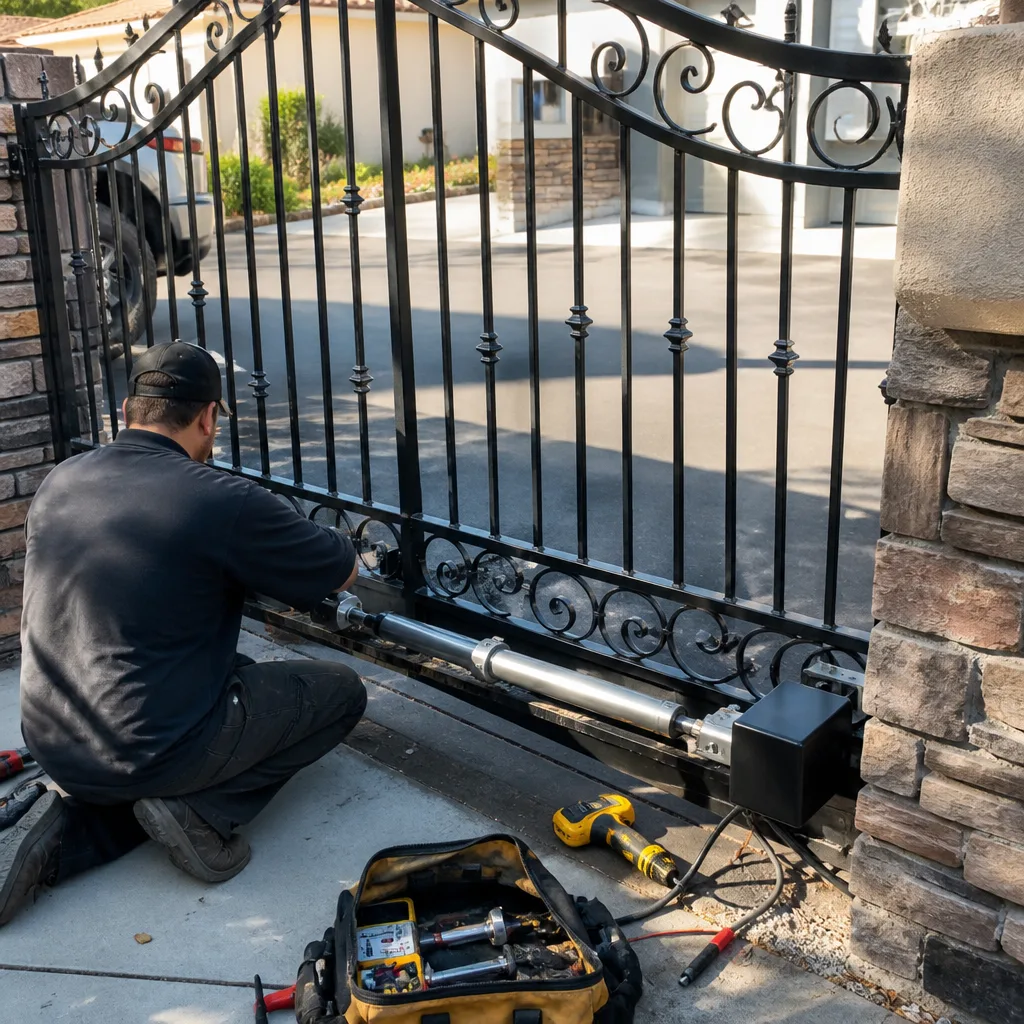 After
After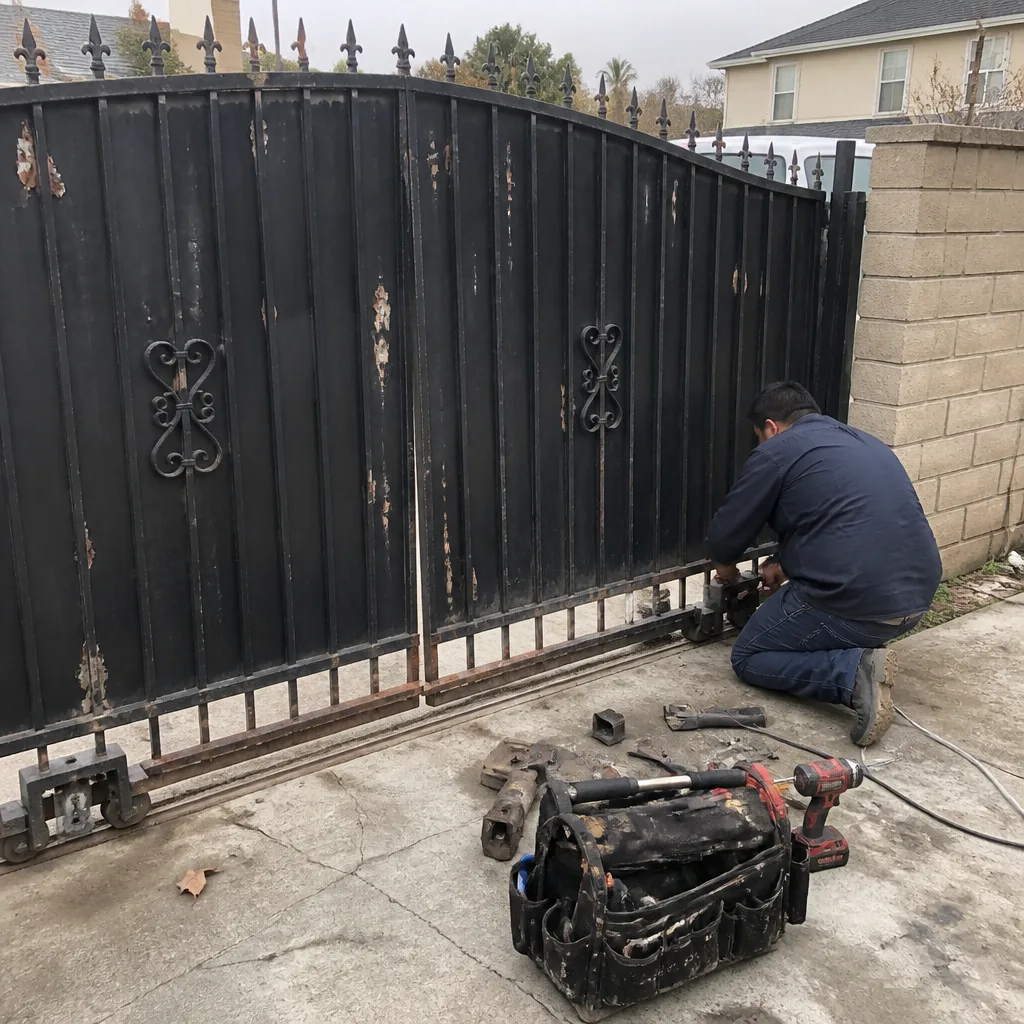 Before
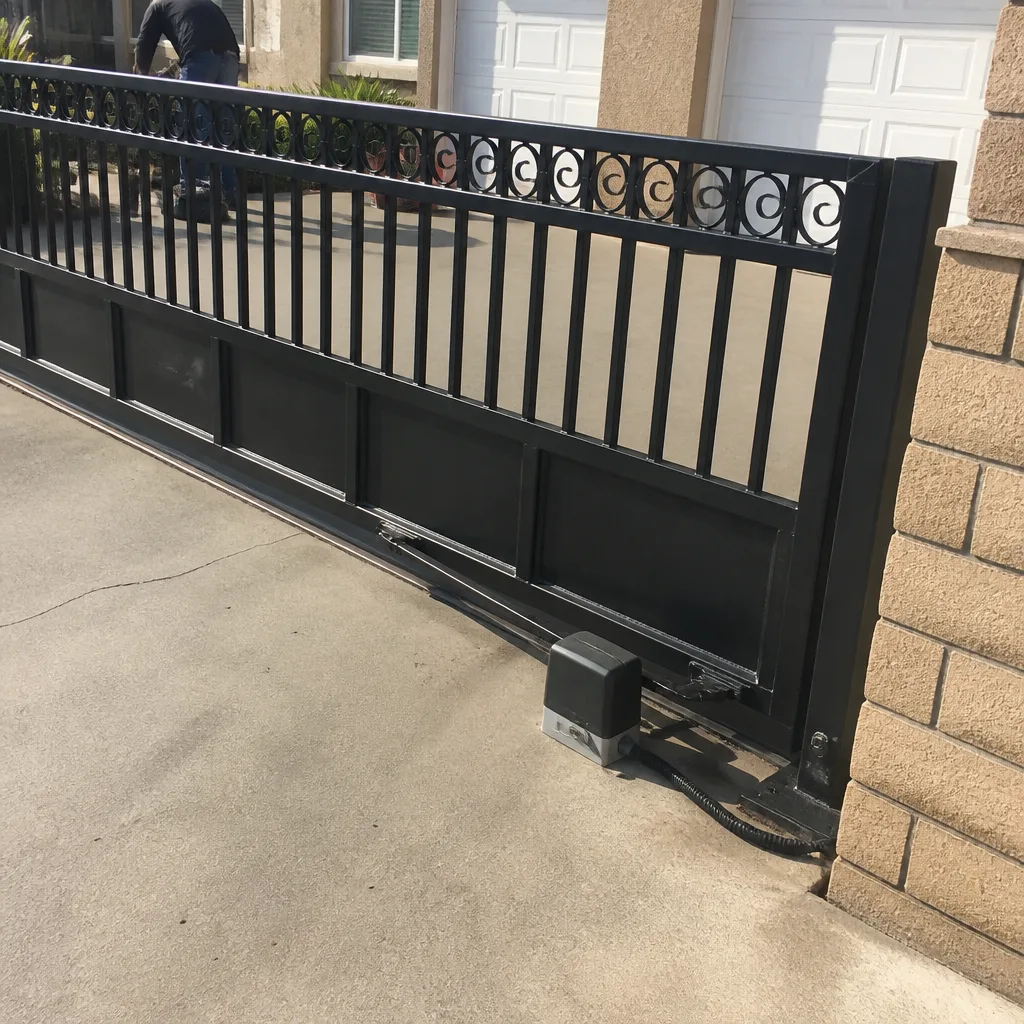 After
After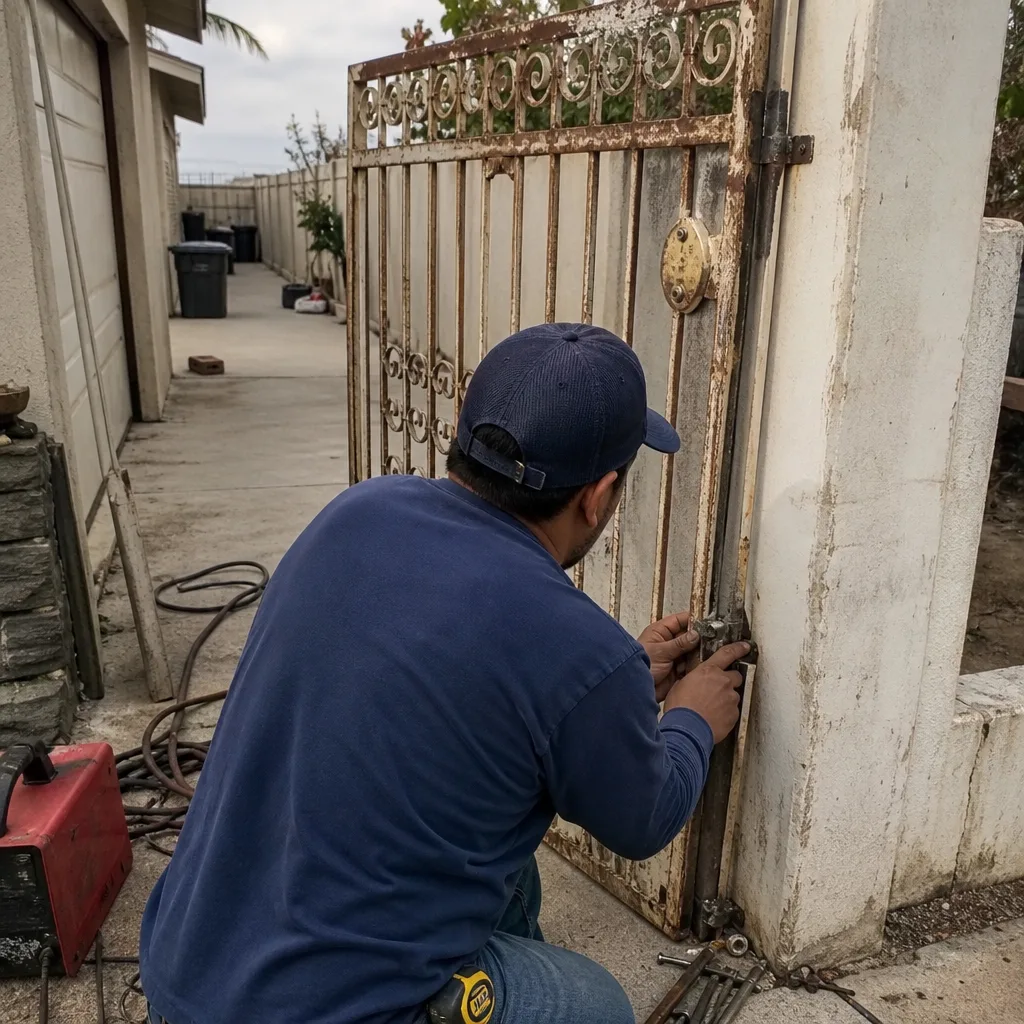 Before
 After
After